Elden Ring: Nightreign arrived in May 2025 as FromSoftware’s standalone roguelite spin-off, and almost immediately, one question kept popping up: can you play it with four friends? The short version is no—not on the official build. Nightreign was built around either going in alone or running as a trio, so if you’re trying to figure out how to play Elden Ring Nightreign with friends with 4 players, you’ll need to work around the base game’s hard cap. This guide walks through the official rules, the current 2026 mod solution, setup requirements, install steps, common connection fixes, and the best way to make a four-player squad actually work.
How to Play Elden Ring Nightreign With Friends With 4 Players
Officially, Nightreign only supports one or three players. There’s no native four-player co-op option, and there isn’t even a built-in two-player mode sitting in the middle. FromSoftware’s director has already explained that the three-player format was a balance decision more than anything else—a kind of sweet spot where teamwork matters without pushing enemy scaling or server strain too far.
You set this up through the Matchmaking Settings menu at the Round Table hub, where the game lets you choose either Singleplayer or Multiplayer before starting an expedition. That’s the full official range. If your group has exactly four people, one of you is getting left out on the standard client.
Crossplay also isn’t available in Nightreign, which makes organizing a fixed group even more restrictive. Steam users can only play with other Steam users, PlayStation players stay on PlayStation, and Xbox players are locked to Xbox. So even before you hit the player cap, platform separation already narrows your options quite a bit.
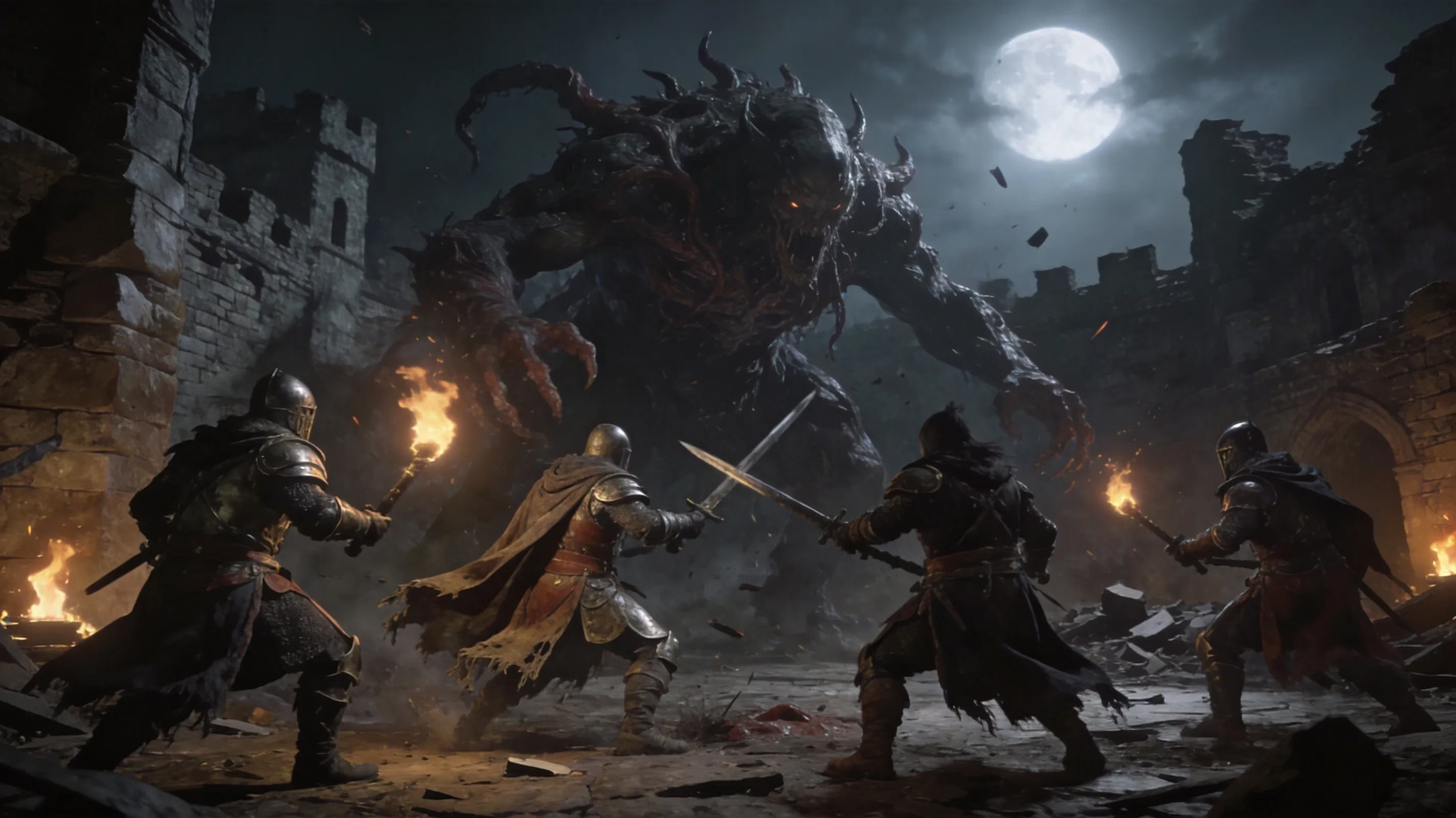
Right now, the best answer for how to play Elden Ring Nightreign with friends with 4 players is the Seamless Co-op mod for Nightreign by Yui, available through Nexus Mods and GamePressure. As of March 2026, version 1.12 supports anywhere from one to six players, runs on its own network layer instead of FromSoftware’s matchmaking servers, and is generally considered ban-safe when used normally. That said, this is strictly a PC solution. If you’re on console, there’s no comparable route at the moment.
Elden Ring Nightreign 4 Players Setup Requirements
Before you install anything, there are a few non-negotiables. The mod is PC-only and works through Steam, so there’s no PlayStation or Xbox version to fall back on. If your group is split across platforms, this setup is dead on arrival.
Every player in the four-person party needs to be on the exact same Nightreign game version and the exact same Seamless Co-op mod version. This is easily the most common reason sessions fail to populate. If one person forgot to update—or updated too early—you’ll usually end up staring at an empty lobby.
Steam also has to be running in online mode. Even though the mod bypasses FromSoftware’s own matchmaking, it still leans on Steam’s friends list and invite system to get the lobby started. If someone launches nrsc_launcher.exe while Steam is offline, invites usually won’t go through at all.
Another thing you really don’t want to miss: Seamless Co-op uses separate save files from the vanilla game. Progress made in the modded version does not carry over to the standard client, and trying to manually move those files back can create a real ban risk because the mod save may contain items or states the base game doesn’t recognize. The safest approach is simple—keep your vanilla save clean and treat the modded one as a completely separate character.
There’s also one odd edge case tied to online features like Eternal Darkness bosses and Endless Night mode. Those normally depend on FromSoftware’s matchmaking infrastructure, and the mod works around that by maintaining a live GitHub connection. If GitHub is blocked or restricted in your region, those activities may not function properly until the mod team adds another solution.
Seamless Co-op 4 Players Installation Guide
The install itself is pretty manageable, but the file path matters, so don’t rush it. Here’s the basic setup flow:
-
Download the latest Seamless Co-op for Nightreign release, which is v1.12 as of March 2026, from Nexus Mods or GamePressure.
-
Extract the archive and move every file into the game’s root folder:
...\Steam\steamapps\common\ELDEN RING NIGHTREIGN\Game -
Open
nrsc_settings.iniwith a text editor and change the player count setting to 4. -
Launch the game through
nrsc_launcher.exe, not the normal Steam Play button.
That last part matters more than you might think. If you boot the game the normal way, you’re loading the vanilla client instead of the modded one, and that causes problems fast.
The nrsc_settings.ini file also lets you tweak enemy health scaling. By default, it sticks pretty close to the vanilla formula. Since the original game is balanced around three players, bumping health_scaling a bit for a four-player run usually feels better. Values like 125 or 150 tend to add enough extra HP to elites and bosses to keep fights engaging without turning them into damage sponges.
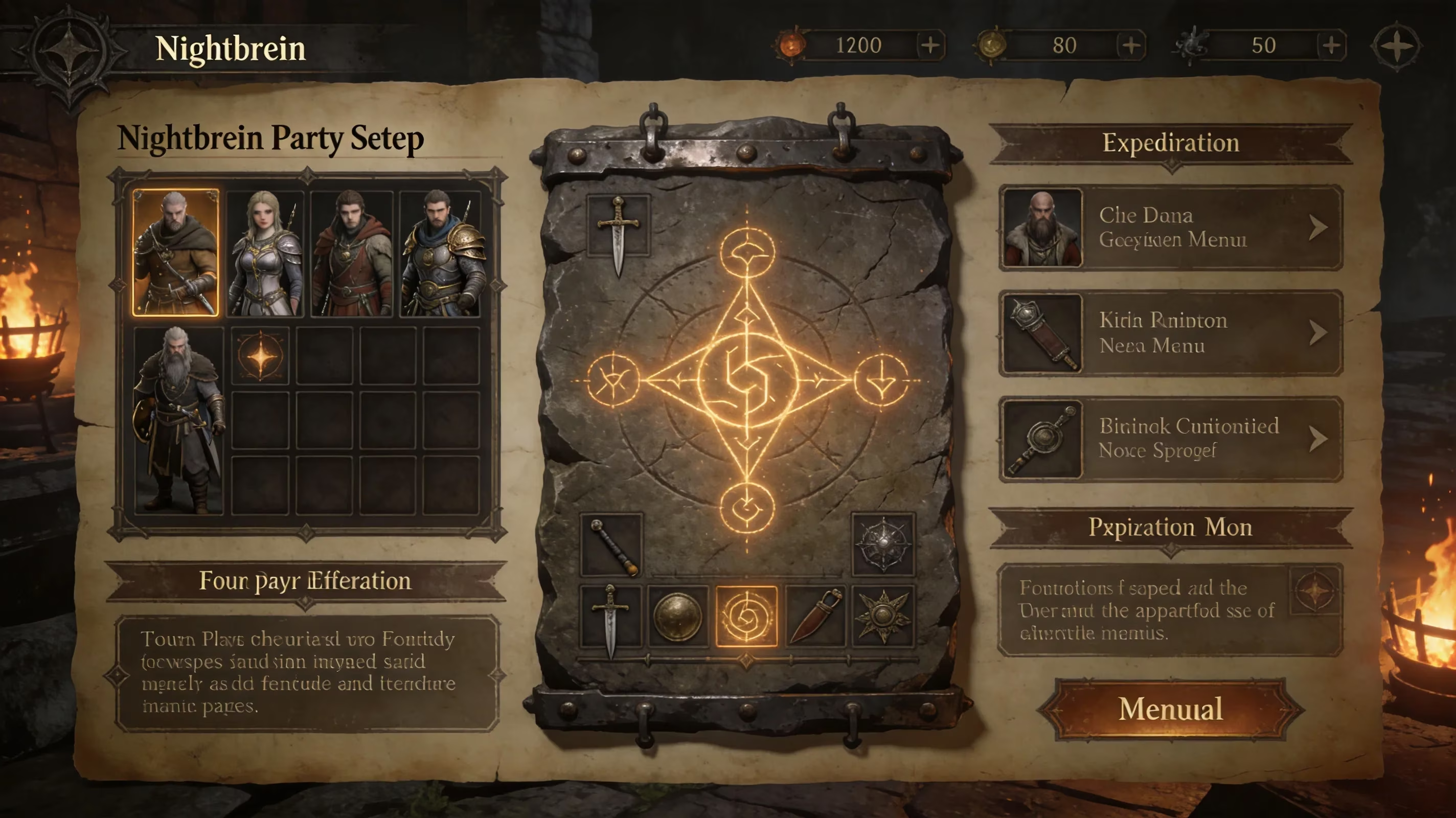
Steam invites work the way you’d expect from most multiplayer games on the platform. Once the host is in the modded lobby, they can open the Steam overlay, head to the Friends tab, and invite the rest of the group directly. Just make sure all four players launched through nrsc_launcher.exe first, or the invite may fail to resolve.
Party Configuration
The cleanest way to set things up is to have the host boot first, confirm the lobby is active, and only then start sending invites. It’s also a really good idea to use a session password in the mod settings if you’re playing with a private group. That keeps random users on the same mod version from stumbling into your session.
A simple setup order looks like this:
-
Host launches the mod first
-
Host confirms the session is active
-
Password is set before invites go out
-
Friends join through Steam overlay invites
-
Group re-invites any disconnected player as needed
If someone drops during an expedition, they can usually come back by accepting a fresh Steam invite from the host. This is one area where the mod feels way more forgiving than vanilla summoning. Instead of being kicked out for good, the returning player typically spawns near the host’s last known Site of Grace location. Password settings also persist through the session, so rejoining is usually painless as long as that player didn’t change their local settings file.
Elden Ring Nightreign With Friends Matchmaking and Connection Fixes
Even when everything is installed correctly, stuff can still break. Most of the common problems are pretty easy to diagnose once you know what to look for.
| Problem | Likely Cause | Fix |
|---|---|---|
| Lobby not found | Version mismatch | Make sure all four players are using the exact same game and mod versions |
| Invite never resolves | Steam offline mode active | Restart Steam in online mode before launching nrsc_launcher.exe |
| High latency / desync | Strict NAT type | Turn on UPnP in your router settings and use wired Ethernet if possible |
| Eternal Darkness boss unavailable | GitHub blocked | Use a VPN or wait for a future mod workaround |
| Antivirus blocking launch | Launcher flagged | Whitelist nrsc_launcher.exe in Windows Defender or your third-party antivirus |
| Game crashes on join | Conflicting mods | Disable other mods and verify Easy Anti-Cheat is not active |
One mistake that catches a lot of players is mixing vanilla and modded launches. Starting the game through Steam normally loads the standard build, which turns Easy Anti-Cheat back on. The Seamless Co-op launcher disables EAC on its own. If one player accidentally opens the vanilla client in the middle of a modded session, you’ll usually get an immediate disconnect, and in some cases the lobby can bug out for everyone still inside.
So if your four-player group suddenly can’t connect, check these first:
-
Game version
-
Mod version
-
Steam online status
-
Whether everyone launched through
nrsc_launcher.exe -
Firewall, antivirus, and router settings
Honestly, most failed sessions come down to one of those.
Best 4-Player Team Play in Elden Ring Nightreign
Running a fourth Nightfarer through Seamless Co-op changes the pace of combat more than you might expect. Because vanilla scaling is tuned around three players, a four-person party on default settings tends to shred regular enemies faster than intended. Early expedition days become much smoother for looting, farming, and leveling. Bosses, though, can still hit hard enough to punish sloppy teams, especially during Nightlord fights.
The best results usually come from assigning clear roles instead of having four players freestyle everything. A practical split looks like this:
-
Dedicated DPS: ideally a ranged-focused Nightfarer like Recluse or an archer-style build
-
Hybrid damage dealer: handles burst windows and crowd control
-
Revive specialist: prioritizes mobility and quick teammate pickups
-
Flexible support: manages flask efficiency, zoning, and general utility
That structure keeps the team from collapsing the moment two people go down at once. It also makes loot and rune decisions a lot cleaner.
Communication matters a ton here. The in-game ping system—triggered with L3—is fine for basic callouts like loot spots or danger markers, but it’s not enough once a Nightlord phase starts getting messy. Four-player runs are way smoother when everyone is on voice comms, especially for repositioning, revive calls, and elemental weakness reminders.
On the revive side, daggers and claw weapons are some of the fastest tools for breaking Near-Death bars, mostly because of their attack speed. That’s why it’s smart for every player to carry at least one lightweight backup weapon in a secondary slot, even if their main build is focused on something slower and heavier. It’s a small adjustment, but it saves runs.
Rune management also gets more important with four people in the party. If someone dies without being revived, they lose a full level and all the runes they were carrying. That can snowball quickly. Teams should coordinate Site of Grace rests to refresh the revive gauge before major encounters, and they should prioritize Churches whenever possible since those can push flask counts from the default three up to six or even seven.
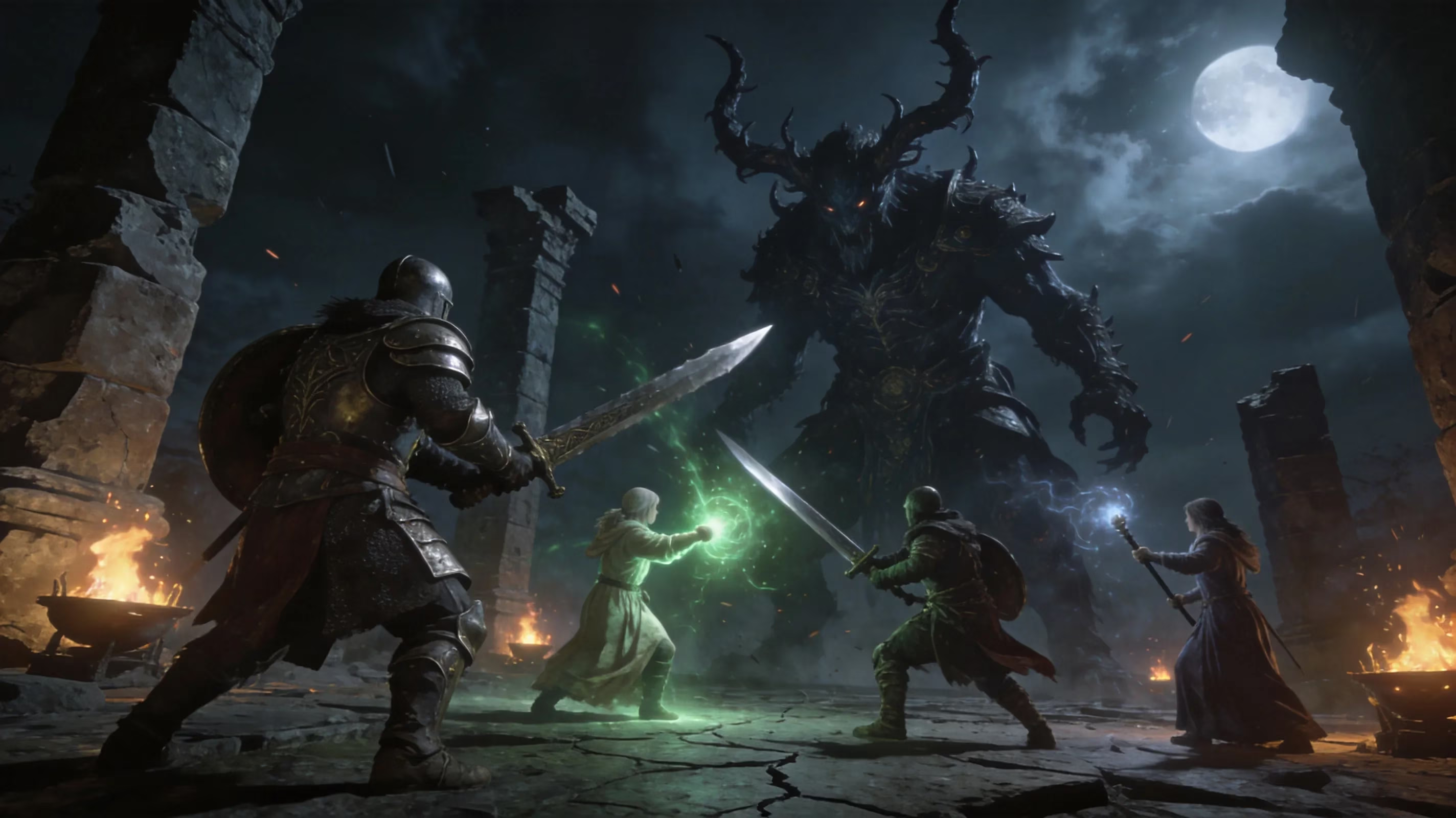
One last thing: disciplined pinging makes a huge difference. Mark the shrinking fire ring boundary, tag elite enemies before the fight starts, and call out Nightlord elemental weaknesses as soon as they appear next to the boss nameplate. Groups that do this consistently clear runs way more often than teams that just pile into fights and hope raw numbers carry them.
Conclusion
Nightreign officially stops at three-player co-op, and that’s almost certainly staying that way given FromSoftware’s balance-first reasoning. If you’re on PC and want a true four-player setup, Yui’s Seamless Co-op mod is the current answer—it’s stable, well-supported, and mature enough now to be a practical option rather than just an experiment. Console players, unfortunately, don’t have an equivalent workaround right now.
The good news is that the mod’s separate save structure lets you keep one clean vanilla character for official matchmaking and another for expanded co-op without the two colliding. As long as everyone matches versions, launches through the mod properly, and keeps GitHub accessible for Eternal Darkness content, four-player Nightreign works surprisingly well. Happy hunting, Nightfarers.